iOS and Android LuckyWave Mobile Casino App
LuckyWave works in a mobile browser, which is the clearest verified way to use the casino on a phone. The official site also promotes a Download App or Install App route and displays iOS and Android labels, but that alone does not prove a native App Store or Google Play release from the same operator. Current Google Play search results include LuckyWave-named apps published by unrelated developer identities, so this guide does not endorse those listings as official. If you want mobile access, start from LuckyWave’s own website in your phone browser and treat any store download as unverified until its developer provenance matches the operator.
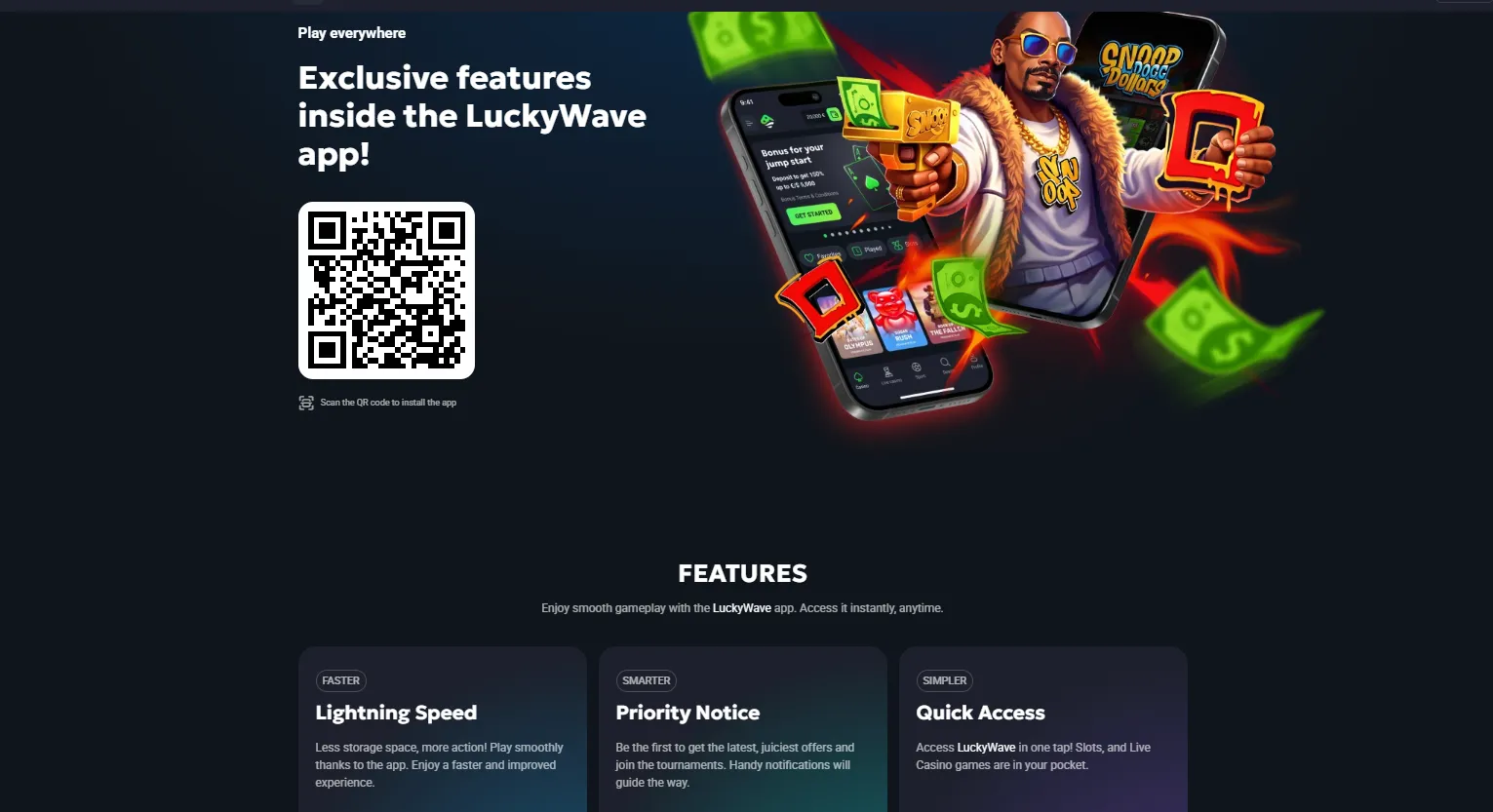
Table of Contents
- LuckyWave App Install and Mobile Browser Access
- The safest way to open LuckyWave on a phone
- What the official LuckyWave site currently shows
- Why third-party store provenance matters
- Can you play LuckyWave games on mobile?
- Live casino on a phone
- Deposits and withdrawals on mobile
- Login and account access on mobile
- What an installable web app would change
- Mobile security checks that are actually useful
- When browser access is the better choice
- Frequently asked questions
- Bottom line
LuckyWave App Install and Mobile Browser Access
A mobile website runs in Safari, Chrome or another browser. An installable web app can add a site-like experience to the home screen while still being delivered from the web. A native app is distributed as an application package through an app store or another installation channel and has a developer identity that can be checked independently.
For LuckyWave, mobile-browser access is verified. The official site also exposes an install route and uses app language. What current public evidence does not conclusively establish is that a specific Apple App Store or Google Play listing is the operator’s native application. That distinction is the central point of this page.
The safest way to open LuckyWave on a phone
- Open the official LuckyWave website directly in your phone browser.
- Check that the domain is the same official site you use on desktop.
- Log in through the site’s own account interface rather than through a third-party app listing.
- If the official site offers an install option, review where that link actually sends you before installing anything.
- If a store page opens, compare the listed developer and support details with operator information you can independently verify.
This route avoids a common mobile problem: assuming that any app using a casino’s name or keywords belongs to the casino itself.
What the official LuckyWave site currently shows
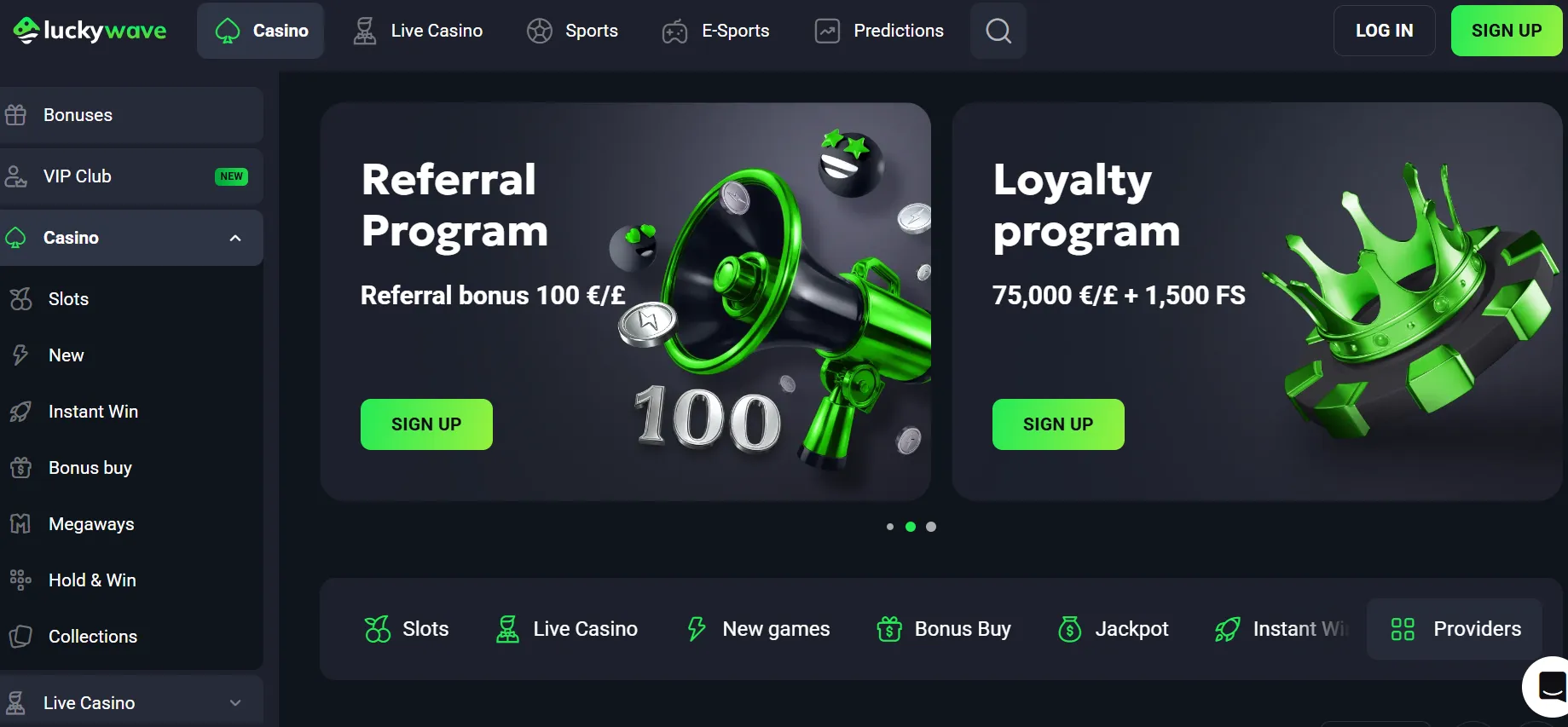
The current LuckyWave site includes a Download App link and pages that promote app installation. The same site footer presents Get App for iOS and Get App for Android labels. That is direct evidence that LuckyWave is marketing an app-style mobile route.
However, labels on the casino’s website are not enough to identify a particular external store listing. A proper provenance check needs the store developer, app package or listing identity and operator relationship to line up. Until that match is clear, the browser remains the verified access method.
Why third-party store provenance matters
Current Google Play search results include LuckyWave-branded apps, but the surfaced listings use developer names such as VIRTUALMATIX COMPANY or VIRTUALMATIX LTD rather than a clearly matched LuckyWave operator identity. Another similarly named listing uses a different developer again. That mismatch is exactly why this site does not label those apps as verified native LuckyWave releases.
Provenance rule
A matching name and logo are not enough. Treat a store app as verified only when the developer identity and official operator route can be linked reliably.
This is also why this guide does not make APK safety claims. An APK can be technically installable without being verified as the operator’s official software.
Can you play LuckyWave games on mobile?
Yes, the verified mobile-browser experience provides access to LuckyWave’s casino platform, and the current site shows a broad catalogue across slots and other categories. The exact catalogue changes over time, so this page does not freeze a game count. For the category and provider breakdown, use the casino games.
On a phone, practical game quality depends on more than whether a title launches. Screen orientation, touch controls, connection stability and the game provider’s own mobile implementation can all affect usability. If a title feels cramped or unstable, try the browser in the opposite orientation or return to the game lobby rather than assuming the entire casino is incompatible.
Live casino on a phone
LuckyWave’s current site separates live casino categories such as roulette, blackjack, baccarat, poker and game shows. These can be accessed through the mobile site where the underlying studio supports the device. Live tables place extra demands on bandwidth because they combine video streaming with interactive betting controls.
If live dealer play is your main reason for using the phone, test one table before committing to a longer session. The live casino covers the catalogue structure and studio context rather than repeating it here.
Deposits and withdrawals on mobile
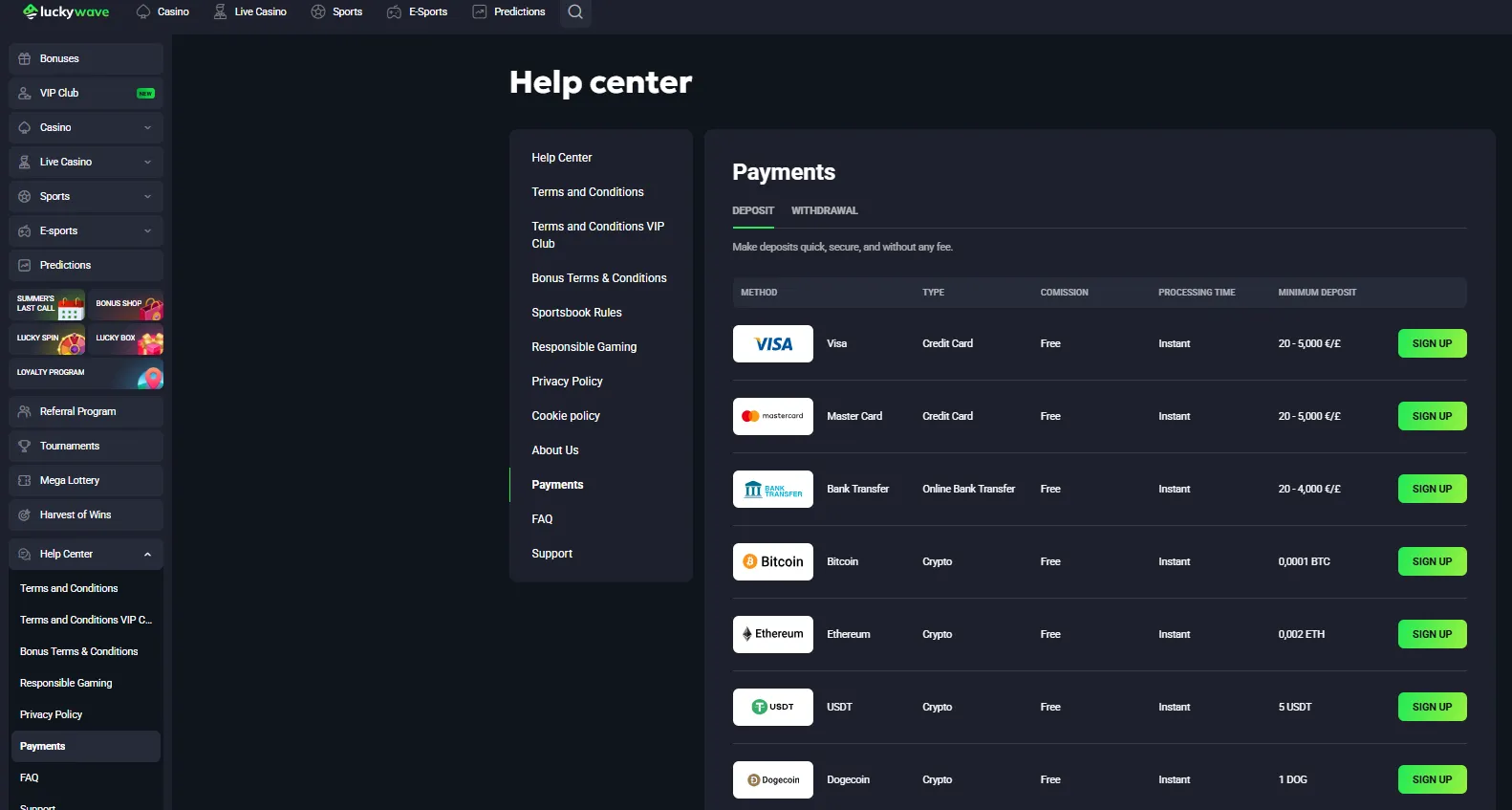
The official payments page lists cards, bank transfer and several cryptocurrencies among available methods. Those payment options belong to the account and cashier rather than to a special mobile-only wallet. In practical terms, a phone can be used to reach the cashier, but the payment provider may hand part of the flow to its own secure page or app.
Do not assume that installing a casino app changes payment limits, processing times or KYC requirements. Those rules come from the account and payment terms. For method-specific detail, see the payment and withdrawal sections elsewhere on this site rather than relying on an app-store description.
Login and account access on mobile
Your LuckyWave account is the same account whether you access it from desktop or mobile browser. Use the same accurate account information and keep login credentials private. The official terms say players must not provide access to their account to third parties.
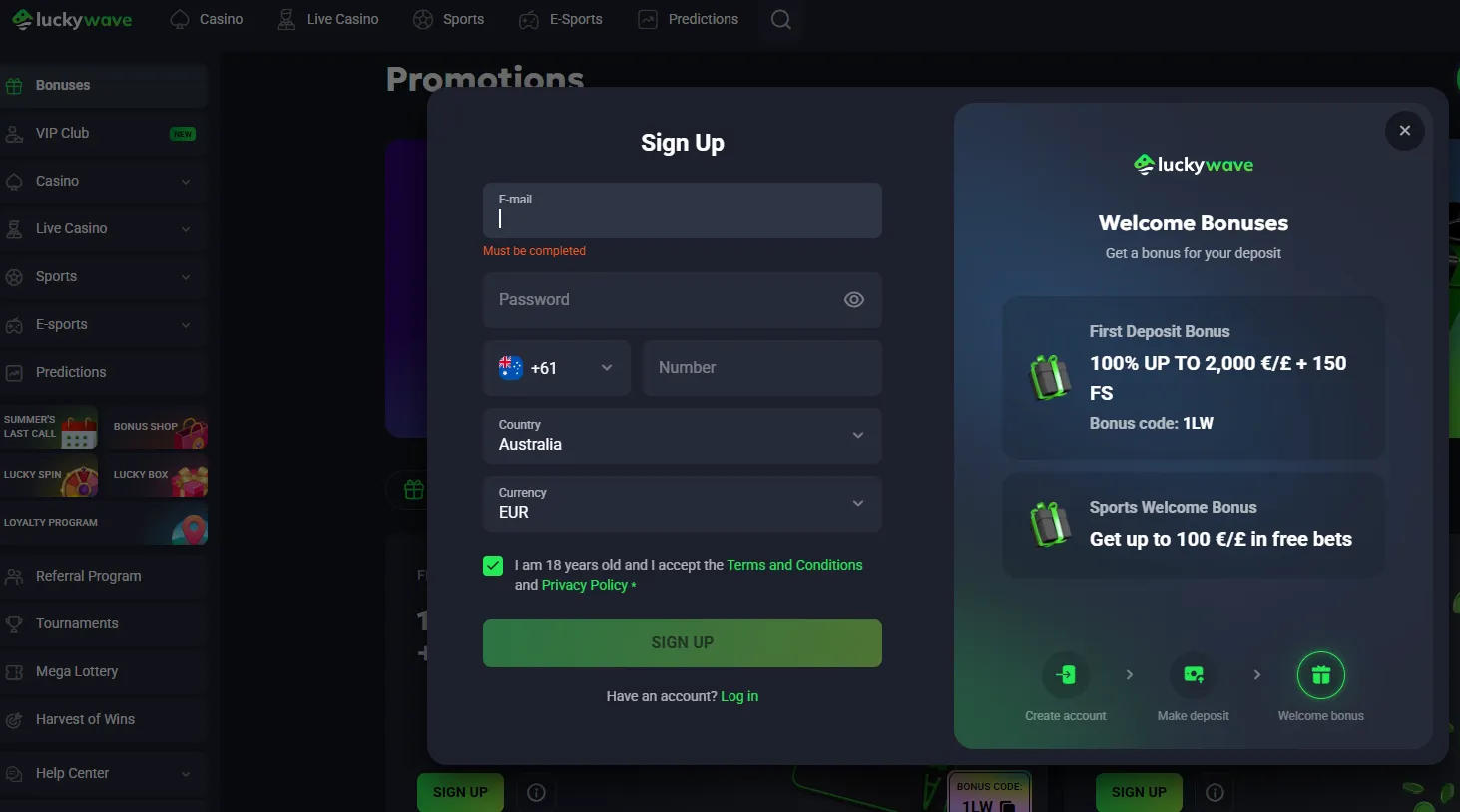
If you are new to LuckyWave, complete the basic checks in the registration before depositing. A smoother interface does not change the one-account rule, age requirement or verification obligations.
What an installable web app would change
If LuckyWave’s current install route offers a browser-based home-screen installation on your device, the main benefit would be convenience: a dedicated icon and a more app-like launch path without having to search for the site each time. That does not automatically turn the service into a native app, nor does it create a separate casino account.
The current crawl confirms the official install route but does not expose enough device-specific instructions to publish a universal tap-by-tap PWA procedure for both iOS and Android. Follow the prompts presented on your own device instead of relying on an outdated image sequence.
Mobile security checks that are actually useful
- Start from the official domain: do not search an app store first and assume the top name match is genuine.
- Inspect the destination: see whether the site’s Install App link stays on the web, opens a store or requests another type of download.
- Check developer provenance: a store developer should be traceable to the operator before you call it official.
- Keep software updated: current browser and operating-system security fixes matter more than cosmetic app features.
- Avoid unknown APK mirrors: no LuckyWave APK source has been verified here, so this guide makes no safety claim about one.
- Protect account sessions: use device locking and do not save casino credentials on a shared phone.
When browser access is the better choice
The browser is the better choice when you want the access method with the clearest provenance. You can verify the domain directly, use the same account as desktop and avoid guessing whether a similarly named store app belongs to the operator. It is also easier to compare the current casino pages, terms and cashier without relying on whatever description a third-party store developer has written.
A native app could still be convenient if LuckyWave later provides a store listing whose developer relationship is clearly established. The important point is to verify that relationship first, not to treat app availability as a requirement for mobile play.
Frequently asked questions
Does LuckyWave work on mobile?
Yes. Mobile-browser access is verified through the current LuckyWave site.
Does LuckyWave have an iPhone app?
The official site displays iOS app language, but a matching Apple App Store listing with confirmed operator provenance has not been verified.
Does LuckyWave have an Android app?
The official site displays Android app language, but current Google Play results do not provide a developer identity that can be confidently matched to the operator.
Should I download a LuckyWave APK?
This site does not verify or recommend an APK source. Use the official website and inspect the operator’s current install route instead.
Can I deposit and play games from my phone?
The mobile site provides access to the casino platform, including the account, cashier and game catalogue, subject to the same account and payment rules.
Bottom line
For UK readers trying to decide between a LuckyWave app and the mobile site, the browser is the verified starting point. LuckyWave clearly promotes an install route and app language on its own website, but this session did not establish a native iOS or Android store listing with matching operator provenance. Use the official domain, follow its current install prompts if you want an app-like shortcut, and verify any external store developer before installing. For the broader casino assessment, return to the LuckyWave review.
Whether you use a smartphone or tablet, you can easily access hundreds of optimized casino games and slots directly from your mobile browser.
Experience seamless gaming on the go with LuckyWave UK, designed perfectly for mobile users.
Written by the editors at Lucky Hills Casino.